
- Offers
- Service providers
- Knowledge base
- Tools
- Arena
- Contact
- Partners
EN
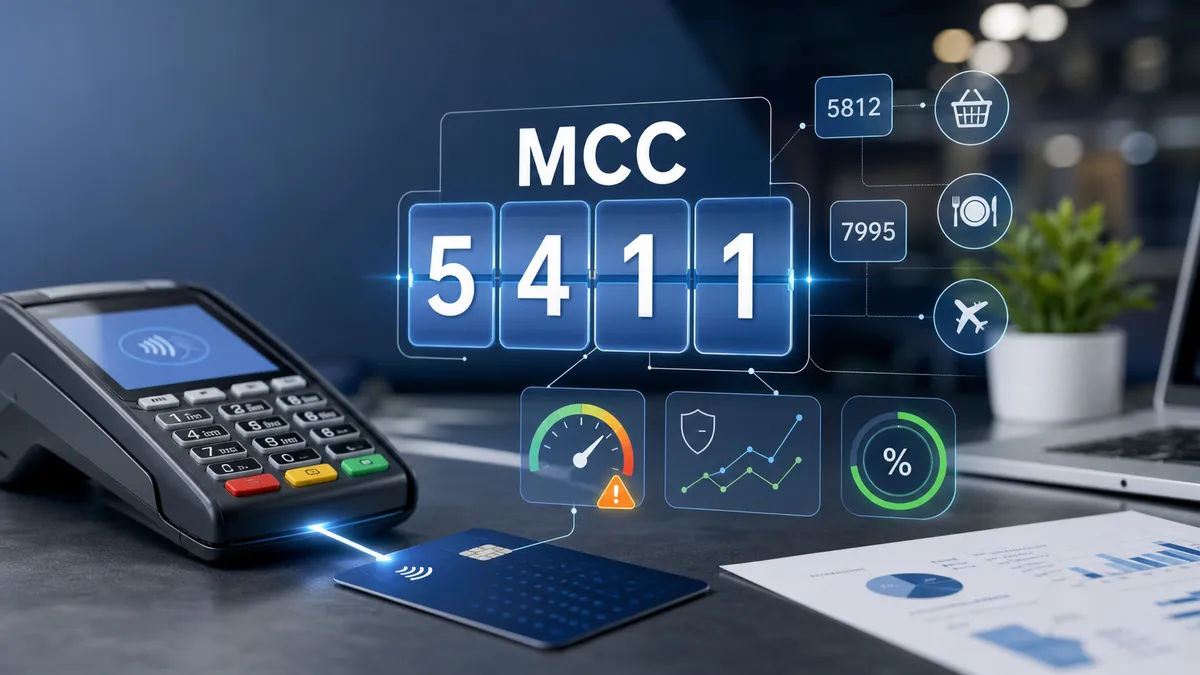
Az MCC kód nem csak egy adminisztratív kategória: hatással lehet a bankkártya-elfogadás kockázati besorolására, a szolgáltatók elérhetőségére, a fraud monitoringra és a vásárlók hitelkártyás pénzvisszatérítésére is. Megmutatjuk, mit jelent kereskedőként, és hogyan segít ebben a POSnavigator.
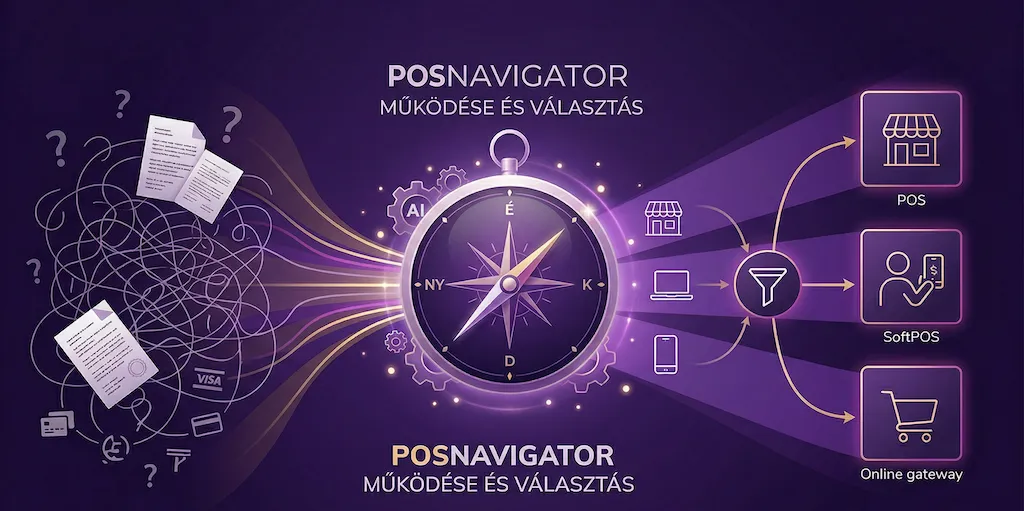
A detailed merchant guide to how POSnavigator works: how the homepage AI assistant helps, what data the platform asks for, how it narrows down offers, and how it estimates costs.

As a start-up, it is worth choosing a model without fixed fees, even if the transaction fee is higher - this way you only pay when you have revenue. In case of low basket value, avoid fixed or minimum transaction fees, as they increase your costs disproportionately. ICC++ pricing is mainly advantageous for domestic debit cards, while blended pricing is a safer choice for many foreign or credit card buyers. Terminal rental is recommended for beginners due to the lower risk, but with stable traffic, the purchase may pay off. With POSnavigator, you can easily compare offers and find the best solution for your business.
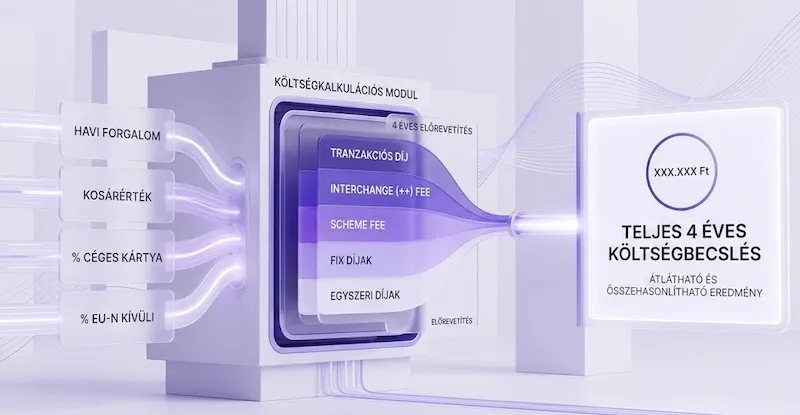
POSnavigator estimates the cost of payment services based on the data you provide (sales volume, average transaction size, composition of your customers.