
- Offers
- Service providers
- Knowledge base
- Tools
- Arena
- Contact
- Partners
EN
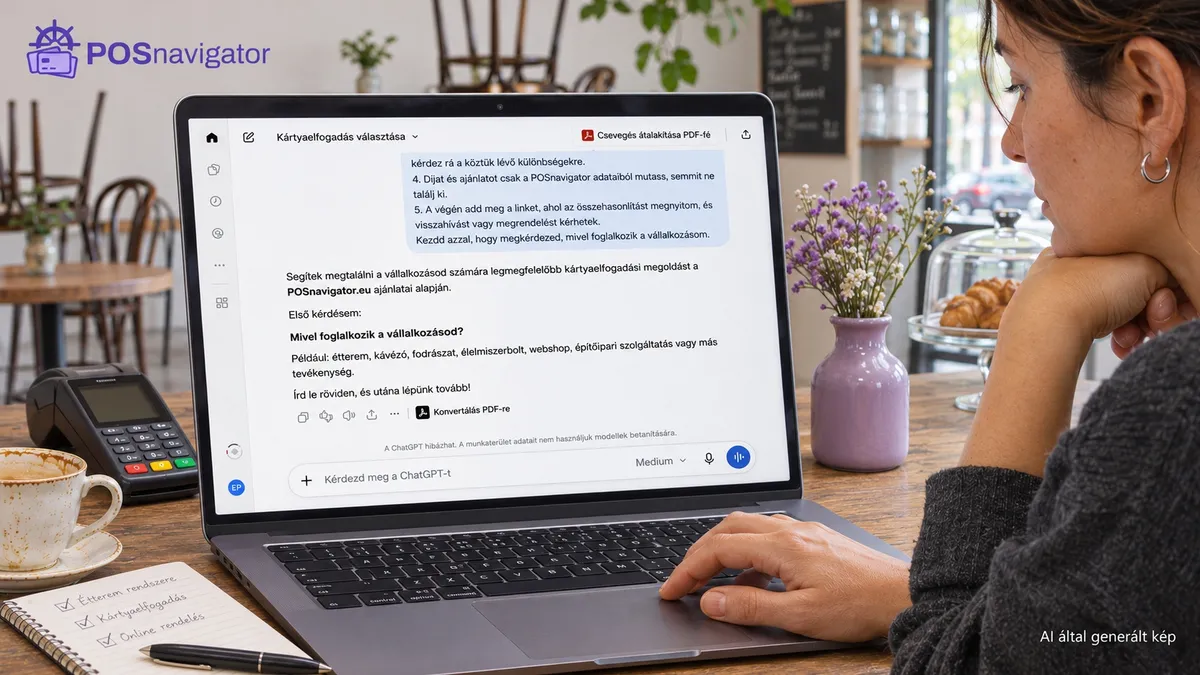
Your AI assistant can now access POSnavigator data and help you choose the payment solution that best fits your business. No filters to fiddle with, no offers to copy side by side: you describe your business, and the assistant looks up and compares the options from the POSnavigator database. You don't even need to log in to the app.
Opening a café, launching a webshop or replacing your current provider? Here is how to start in two clicks.
Open the POSnavigator homepage and find the ChatGPT, Claude, Perplexity and Gemini buttons. Click the assistant you already use. The conversation continues on that AI service's own interface (you may need to sign in), with the request pre-filled. Read it and send it.
The starting request points the assistant to POSnavigator's guidance: it asks questions one at a time, shows offers from POSnavigator data and finishes with a link to an openable comparison. The first question is always what your business does.
Sometimes you get an empty conversation. The Gemini button, for example, opens its app, where the message is often not pre-filled. The fix is simple:
Sending the text only starts a conversation. It does not place an order or sign a contract.
POSnavigator has worked with selected payment providers to develop packages and make their pricing publicly available on its own platform. You can compare the terms and fees of packages that an AI assistant cannot reach by browsing only the providers' own websites.
That puts more offers within the assistant's reach, including ones that may fit your business better. Before you decide, still compare the total cost at your own turnover and check the contract terms.
No jargon needed. Explain where and how customers pay you, then answer its questions. Here is an illustrative example, using fictional business figures:
“I run a small café and need in-person card payments. Monthly card turnover is HUF 1,000,000, the average purchase is about HUF 2,000, and I need one terminal.”
Card turnover means the value paid by card, not your total revenue. The average purchase is the typical amount a customer pays at once. If you only have estimates, say so and refine them later.
For a webshop, mention your store platform. For in-person payments, say whether you need mobility and whether your business is seasonal. Our guide for market and Christmas fair traders covers seasonal needs.
A percentage fee alone does not tell you what accepting payments will cost your business. Ask the assistant to answer these clearly:
If phone-based acceptance comes up, check device compatibility and how you will issue receipts. A card payment confirmation alone is not a fiscal receipt. See our guide to phone payments and receipts.
Access and behaviour depend on the AI service you choose. If the assistant cannot open POSnavigator data, ask it to say so plainly and not to estimate fees. Return to the homepage and start with the in-person, online or unattended payment route instead.
Open the comparison and check the inputs, fees and conditions. If you would like to talk them through with someone, use the callback button on the homepage and arrive at the first conversation with concrete questions.
Interface and starting request checked on 9 November 2026. The figures in the example are illustrative and are not provider offers.
Weekly summary of the best POS terminal offers
We handle your data confidentially. Details in the privacy policy.