

SZÉP Card Acceptance in Hungary: Rules, Applications and Providers
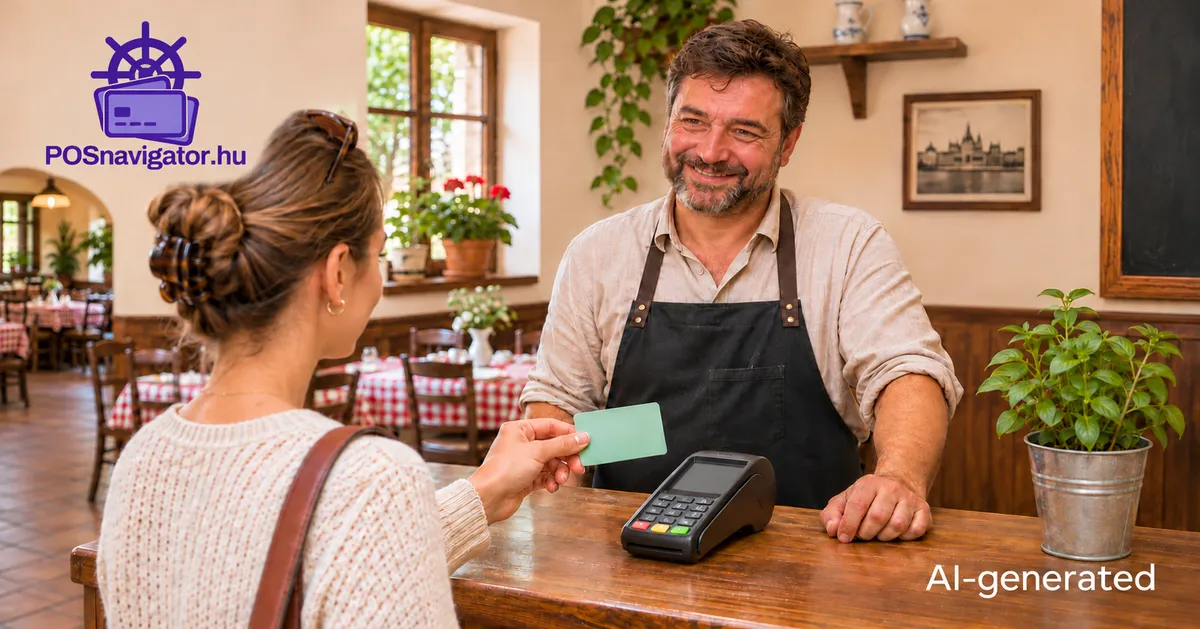
A guest is ready to order but asks first: “Can I pay with a SZÉP card?” To say yes, you need three things in place: an eligible service, an agreement with the issuer and an activated payment solution. Having a bank card terminal does not automatically enable SZÉP card acceptance.
This guide explains its role in Hungary, the merchant application process and providers worth contacting. Information checked on 26 November 2026.
Why does SZÉP card acceptance matter in Hungary?
The SZÉP card connects employer benefits with domestic spending. According to a government release published in 2025, top-ups exceeded HUF 454.4 billion in 2024 and cardholders spent HUF 432 billion. These are historical market figures, not a forecast for 2026. Source: government market summary.
Restaurants, accommodation businesses and eligible leisure providers may reach customers who specifically want to spend their benefit balances. Acceptance alone does not guarantee additional revenue: local demand and your margins determine whether it pays off.
Before applying, record how often guests ask about SZÉP cards, the likely average purchase and the extra administration involved. A busy lunch restaurant and an apartment with only a few annual bookings may reach different decisions.
The legal framework
Government Decree 76/2018 (IV. 20.) governs operation; Act CXVII of 1995 governs taxation. Check eligible services (Section 5) and channels (Section 6). National Legislation Database.
Typical eligible areas include accommodation, catering and selected sports, cultural and leisure services. Eligibility does not extend automatically to everything a business sells. OTP identifies the statutory activity requirements and an issuer agreement as conditions of acceptance. Source: OTP FAQ.
The former accommodation, catering and leisure pockets have been replaced by the general account, alongside a separate Aktív Magyarok subaccount with its own eligible uses. Transfers between these accounts are not permitted. Source: Sections 3 and 5 of the decree.
Always attach dates to temporary extensions. The grocery-store extension ran until 30 April 2026; OTP states that affected grocery stores cannot accept these payments on that basis from 1 May. The NAV guidance described home renovation use as a 2025 measure. Neither should be presented as a permanent acceptance entitlement. OTP timing notice · NAV: the 2025 measure.
Issuers and terminal providers have different roles
OTP Bank, MBH Bank and K&H Bank issue SZÉP cards. To accept cards from all three, arrange acceptance agreements with all three issuers. Your terminal provider handles technical configuration, which does not replace those agreements. Source: Teya onboarding guide.
- OTP Bank: start with the OTP merchant application form. Acceptance can use a suitable POS terminal or another supported channel.
- MBH Bank: the MBH application guide specifies information and supporting documents by business type and acceptance location.
- K&H Bank: the card issuer. K&H Pénzforgalmi Szolgáltató supplies POS services as a separate entity. Keep these roles distinct when arranging agreements. K&H POS information.
How to apply, step by step
- Check your activity. List the exact services and locations involved. For mixed sales, identify which items qualify.
- Choose a channel. A POS terminal may suit in-person payments; an appropriate web solution may suit online bookings. An issuer portal and an integrated website checkout provide different customer experiences.
- Prepare the documents. Expect to provide business details, settlement account information, signing authority and location details. Follow each issuer’s actual checklist. MBH document requirements.
- Complete the issuer agreements. Apply to each bank whose cards you want to accept. Check its current submission procedure.
- Supply the technical identifiers. Ask your terminal provider for the required TID/MID information. Teya’s guide, for example, requires a MID for K&H onboarding. Teya identifier requirements.
- Wait for activation. Technical setup can follow confirmation of the issuer agreement. Novopayment describes a typical additional 3–4 working days for configuration; this is not a guaranteed end-to-end application time. Novopayment FAQ.
- Verify the launch. Check active settings, the first payment and settlement for each issuer. Advertise acceptance only after it is working.
Which POS providers list SZÉP card acceptance?
According to the publicly available provider records in the POSnavigator.hu database, checked on 26 November 2026, the following 15 providers list SZÉP cards among the accepted card types or payment systems for their POS terminal service. Inclusion is based on that service-level entry. Click a provider’s name to open its detailed profile.
- 4SPEND: SZÉP cards are listed among the accepted payment systems for its POS terminal service.
- Barion Okoskassza: SZÉP cards are listed for both the Okoskassza physical POS service and the Cash Register + POS Terminal solution, SmartKassa.
- Billingo Pay: SZÉP cards are listed among the accepted payment systems for its POS terminal service.
- CIB Bank: SZÉP cards are listed among the accepted payment systems for its POS terminal service.
- Global Payments: SZÉP cards are listed among the accepted payment systems for its POS terminal service.
- K&H Pénzforgalmi Szolgáltató: SZÉP cards are listed among the accepted payment systems for its POS terminal service.
- MBH Bank: SZÉP cards are listed among the accepted payment systems for its POS terminal service.
- myPOS: SZÉP cards are listed among the accepted payment systems for its POS terminal service.
- Novopayment: SZÉP cards are listed among the accepted payment systems for its POS terminal service.
- OTP Bank: SZÉP cards are listed among the accepted payment systems for its POS terminal service.
- Paynance: SZÉP cards are listed among the accepted payment systems for its Card Payments with POS Terminal service.
- Raiffeisen Bank: SZÉP cards are listed among the accepted payment systems for its POS terminal service.
- SimplePay: SZÉP cards are listed among the accepted payment systems for its POS terminal service.
- Teya: SZÉP cards are listed among the accepted payment systems for its POS terminal service.
- UniCredit: SZÉP cards are listed among the accepted payment systems for its POS terminal service.
How should you use this information?
The entry applies to the specified physical POS service. For example, Barion Okoskassza support does not automatically establish SZÉP card acceptance through the Barion Smart Gateway online gateway. Likewise, Paynance’s POS entry does not establish support across all its phone-based or online products.
A general SZÉP card entry does not specify whether every card variant from every issuer is supported. When requesting an offer, identify which of OTP, MBH and K&H you need, and obtain confirmation for your chosen device, physical or digital card, and the Aktív Magyarok subaccount where relevant. Issuer agreements and technical activation still need to be arranged.
This is not a ranking. SZÉP support is one consideration alongside fees, settlement and contractual terms. Recheck the provider profiles on POSnavigator.hu when requesting a new offer.
What costs should you compare?
Section 12(3) sets the issuer-charged cost component at a minimum of HUF 12 per transaction, capped at 3.6% of turnover under the acceptance agreement. Statutory fee provision.
Request separate details for issuer charges, terminal rental or purchase, integration and settlement arrangements. Do not calculate SZÉP costs automatically from the normal bank-card commission. Novopayment, for example, handles SZÉP turnover separately from its own settlement statements. Novopayment settlement information.
For a planning example, HUF 300,000 of genuinely additional monthly revenue at a 40% contribution margin would leave HUF 120,000 before acceptance and further operating costs. Deduct the quoted charges from that amount. A customer switching from cash or a bank card to SZÉP is not automatically additional revenue.
Frequently asked questions
Do I need another terminal?
Not necessarily. Ask whether your existing device can be configured. OTP also checks terminal compatibility separately. OTP information.
Is paying with a phone the same as SoftPOS?
A guest’s digital card and a merchant’s phone-based acceptance application are different things. Support for one does not prove support for the other. Ask about the exact issuer, device and application combination.
Does signing the agreement mean I can accept payments immediately?
Activation must also be confirmed. Document acceptance, technical configuration and the first successful payment are separate checkpoints.
What should I check when changing provider?
Coordinate new terminal identifiers, issuer registration changes and retirement of the old device. Check the replacement before switching.
Your next step
List the issuers, channels and expected turnover you need. Compare payment solutions on POSnavigator.hu, then confirm specific SZÉP support in the provider’s offer and with the issuers.
Related reading: How to choose a payment provider · Hidden costs in card acceptance.