
- Offers
- Service providers
- Knowledge base
- Tools
- Arena
- Contact
- Partners
EN
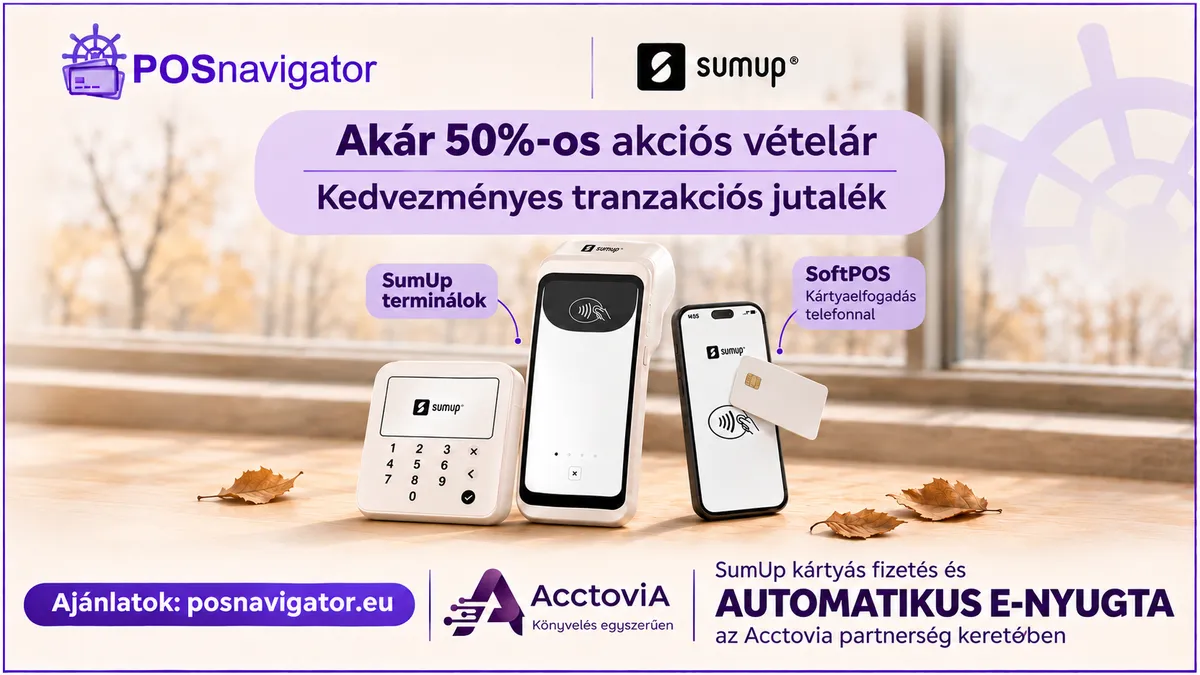
Visit our SumUp page for card readers, current prices and the terms of the POSnavigator partner offer.
Once your SumUp account is connected to Acctovia, your customers can pay your receipts by card: on a SumUp Solo card reader, or with the SumUp app on your phone. As soon as SumUp confirms the payment, Acctovia issues the e-receipt automatically, and the receipt also goes into your daily report to NAV.
An Acctovia plan that includes it: the SumUp card reader feature is in the Starter, Pro and Super Pro plans for sole traders, and in the Advanced, Professional and Enterprise plans for companies. The Free and Standard plans do not include it.
A SumUp account: you open it with SumUp directly.
A SumUp Solo card reader, or the SumUp app on an Android phone that also runs the Acctovia Android app.
Owner access: the Integrations tab is shown to the owner of the business.
A company: Company Settings → Integrations → SumUp card reader.
A sole trader: My Account → Integrations → SumUp card reader.
Click Connect SumUp.
SumUp's sign-in page opens. Sign in and allow Acctovia access to your account.
You return to Acctovia and see Your SumUp account is connected. Note which SumUp account it is: the SumUp app must be logged in to the same one.
A SumUp merchant account can be connected to one business in Acctovia at a time, and a business to one merchant account.
On your SumUp Solo open Settings → Connections → API → Connect. The reader shows an 8–9 character pairing code.
In Acctovia, type the code into Pairing code and give the reader a name (for example: Counter).
Click Pair your SumUp Solo. When it works you see The SumUp Solo is paired.
You can pair more than one reader. Make default chooses the one Acctovia sends payments to; Remove takes a reader off Acctovia.
You can take cards without a reader when the SumUp app on your phone takes the payment, for example with Tap to Pay, if your SumUp account offers it.
This works in the Acctovia Android app, with the SumUp app installed on the same phone. In a browser this way of paying is not shown.
Important: the SumUp app must be logged in to the same SumUp account you connected to Acctovia. If you take the payment in another account, Acctovia cannot find it and the receipt is not issued.
Payments SumUp reported (time, amount, SumUp fee, card, status). Acctovia checks every 5 minutes, or at once with Check now.
A receipt is issued automatically only for a card payment started from an Acctovia receipt. Payments started directly in the SumUp app are listed, but no receipt is made from them, so always start the card payment in Acctovia.
If the card says Needs reconnecting, click Reconnect SumUp and sign in again.
Disconnect ends the connection. Receipts already issued and payment data already received are kept.
Acctovia is independent online invoicing and accounting software; the SumUp integration is provided by Acctovia. For the full, always up-to-date description, see the Acctovia knowledge base: Connect SumUp to Acctovia (Acctovia knowledge base) ↗
Weekly summary of the best POS terminal offers
We handle your data confidentially. Details in the privacy policy.